10–11 September 2026
University of Birmingham · United Kingdom
Hosted by the
Supergen Energy Networks Hub and
delivered by PyPSA Labs.
Course outline
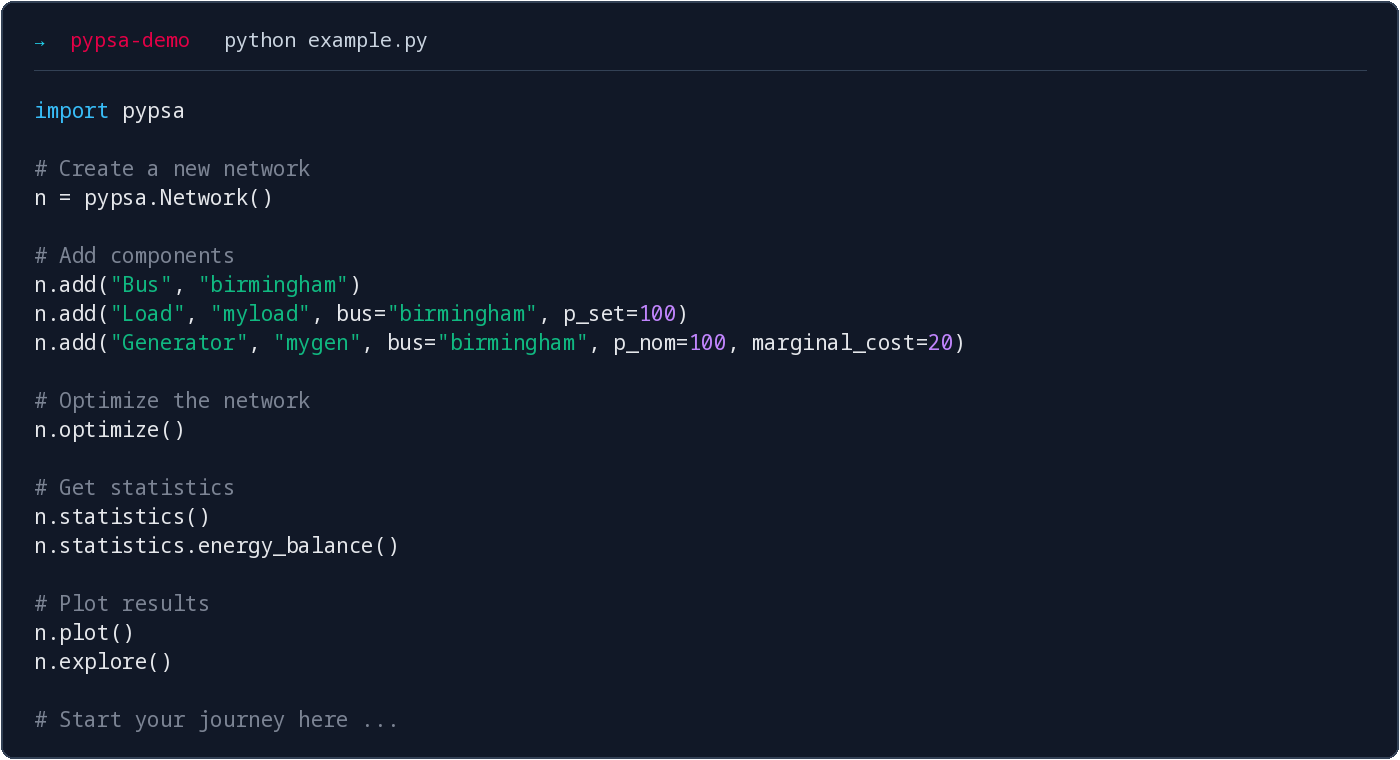
This two-day workshop introduces PyPSA, an open-source Python package for energy system modelling and energy infrastructure planning. It also explores PyPSA-Eur, a European energy system model and data pipeline maintained at TU Berlin.
What you will learn
PyPSA fundamentals: Data structures and fundamental components, formulation of optimisation problems, results retrieval and visualisation
Capacity expansion: Capacity planning problems with PyPSA
Stochastic and risk-averse optimisation: Handling uncertainty and risk management in energy system models
Sector coupling: Multi-carrier networks and energy conversion
Other features: Custom constraints, the statistics module, network explorer.
PyPSA-Eur: A tour through to the European energy system model workflow and data pipeline
Some familiarity with Python and pandas is helpful, but not required. Short introductions to both are included in the annexes.
Venue
The Old Gym Lecture Theatre, room LG06 (lower ground floor)
Y1 building – Old Gym, University of Birmingham.
Building entrance ·
Room ·
Campus map (building Y1)
Preliminary agenda
Day 1 — Thursday, 10 September 2026
| Time | Session |
|---|---|
| 09:00–10:00 | Soft start: arrival, coffee, getting to know each other |
| 10:00–10:45 | Introduction to the PyPSA ecosystem |
| 10:45–11:00 | Break |
| 11:00–12:30 | Introduction to optimisation with PyPSA |
| 12:30–13:30 | Lunch |
| 13:30–15:30 | Modelling with PyPSA: system capacity planning, sector coupling, results retrieval and statistics |
| 15:30–15:45 | Break |
| 15:45–17:00 | PyPSA-Eur workflow: introduction and hands-on modelling |
| 17:00–17:30 | Wrap-up of day 1 and open questions |
| From 18:30 | Shared dinner at Stable Pizza (Birmingham city centre) |
Day 2 — Friday, 11 September 2026
| Time | Session |
|---|---|
| 09:00–10:45 | PyPSA-Eur: a deeper look at the workflow |
| 10:45–11:00 | Break |
| 11:00–12:30 | Modelling with PyPSA: stochastic optimisation and risk aversion |
| 12:30–13:30 | Lunch |
| 13:30–15:00 | Modelling with PyPSA: security of supply analysis |
| 15:00–15:15 | Break |
| 15:15–17:00 | Open Q&A: PyPSA functionality, workflows, and your own modelling questions |
Lecturers
Dr. Fabian Neumann and Dr. Iegor Riepin are postdoctoral researchers at the Department of Digital Transformation in Energy Systems at Technische Universität Berlin. Their research work focuses on identifying cost-effective pathways to climate neutrality, leveraging energy modelling to inform policy and public discourse.
Fabian and Iegor are also co-founders of PyPSA Labs.
Technical setup
Workshop JupyterHub (recommended)
Run everything in your browser with all packages pre-installed, on the workshop JupyterHub:
Open workshop
.pypsalabs .org. Log in with any username you like and the workshop password shown by the presenter.
The workshop notebooks are already in your workspace. Open
01-pypsa-intro.ipynbto begin.
Your files are saved between the two workshop days. Use the same username on both days.
Google Colab (fallback)
No hub access? You can also run the notebooks in Google Colab: on any notebook page, click 🚀 Open this notebook in Google Colab (a Google account is required). On Colab you install the packages yourself, as noted at the top of each notebook.
Local installation
If you prefer to run the notebooks on your own computer, follow the instructions on the next page. You will need to install pixi, which sets up Python and all required packages for you.